
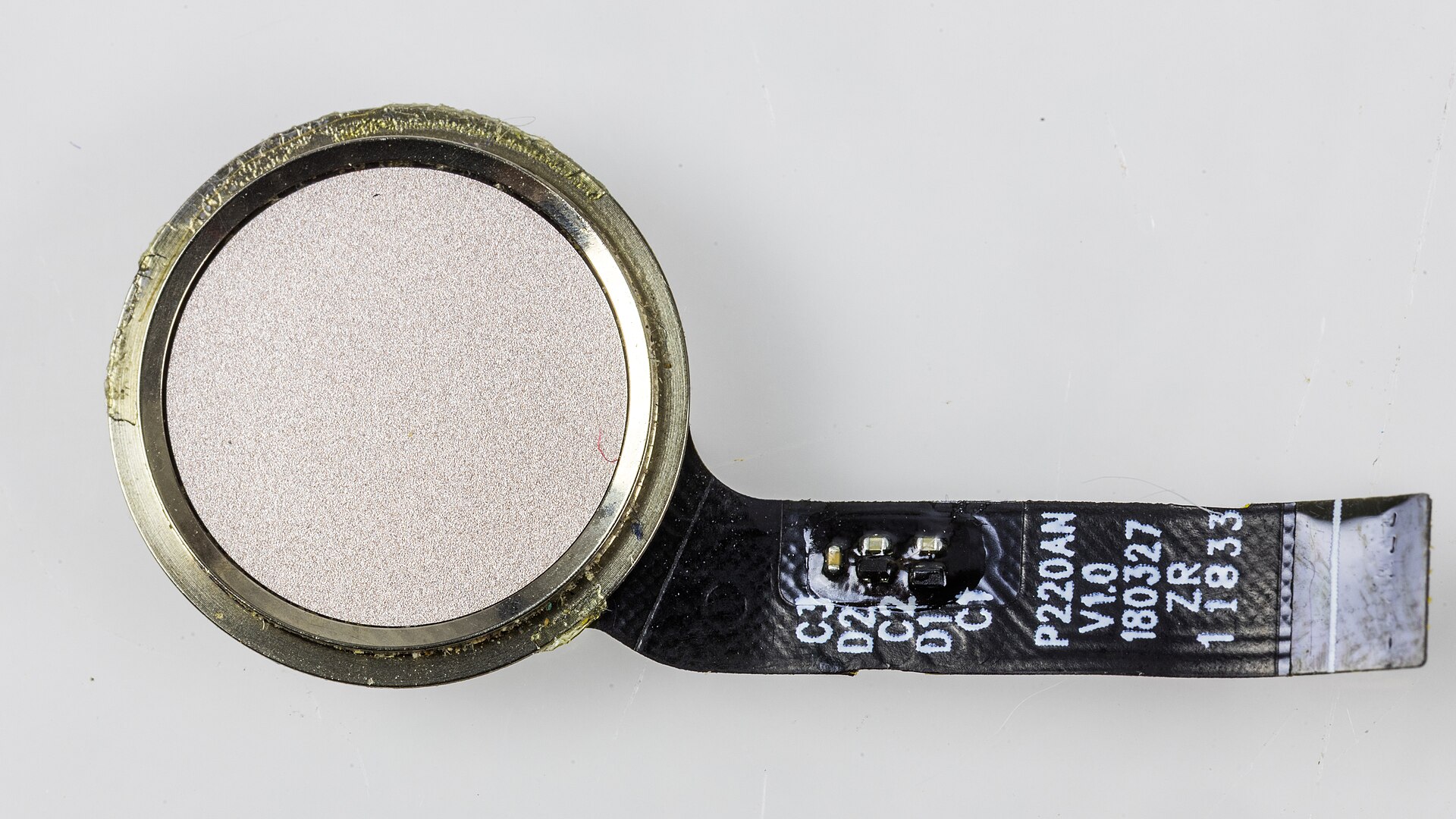
On World Passkey Day in May 2026, the FIDO Alliance reported an estimated five billion passkeys in use worldwide. Its survey of 11,000 consumers across ten countries, run by Sapio Research in April 2026, found that 90% had heard of passkeys and 75% had switched on at least one. Microsoft said back in May 2025 that it was registering close to a million passkeys a day across its consumer services.
And yet the same FIDO survey found that 57% of the organizations it polled still lean on passwords or other phishable methods as their main sign-in. A third of consumers said they had been told about a breach of one of their accounts in the past year. The gap between “I have a passkey somewhere” and “I no longer have a password worth stealing” is still wide.
This piece explains what is actually happening when you tap a fingerprint sensor to sign in, why that gesture resists phishing in a way an SMS code never can, and where the technology still has sharp edges. Account recovery in particular is unfinished business, and anyone telling you otherwise is selling something.
A passkey is a key pair, not a stored secret
A password is a shared secret. You know it, the website knows it (ideally as a hash), and anyone who intercepts it can replay it. Every password breach in history follows from that one design fact.
A passkey works differently. When you create one, your device generates a pair of mathematically linked keys. The private key stays on your device or in your credential manager and is never transmitted to the site. The public key, which is useless to an attacker on its own, is sent to the site and stored against your account.
Signing in is a challenge-and-response exchange. The site sends a random challenge. Your device asks you to prove you are present, usually with a fingerprint, face scan or device PIN, then signs the challenge with the private key. The site verifies that signature against the public key it already holds. Nothing reusable crosses the wire.
The plumbing has two halves. WebAuthn is the browser-facing API, a W3C standard whose Level 3 version reached Recommendation status on 25 August 2026. CTAP, the Client to Authenticator Protocol, is how the browser talks to the thing holding the key, whether that is a security key on USB, your phone, or the operating system’s own credential store. FIDO2 is the umbrella term for the two together.
Why phishing stops working
The security property that matters most is not the biometric. It is origin binding.
Every passkey is scoped to a Relying Party ID, which in practice means a domain. The WebAuthn spec is explicit that a credential can only be used with the same entity it was registered against, and the browser folds the actual origin into the signed response. A passkey created for example.com will not produce a valid signature for example-secure-login.com, and the browser will not even offer it. The user does not have to notice the fake domain, because the check is not being made by the user.
Compare that with the alternatives. The US Cybersecurity and Infrastructure Security Agency’s guidance on implementing phishing-resistant MFA, published in October 2022, calls FIDO/WebAuthn the only widely available phishing-resistant authentication. It lists SMS and voice as vulnerable to phishing, SS7 interception and SIM swapping, and push notifications without number matching as vulnerable to push bombing. CISA recommends SMS only as a last resort during a transition.
The practical attack these methods fall to is the adversary-in-the-middle proxy. The victim lands on a lookalike page that relays every field to the real site in real time, harvesting the password, the one-time code and the resulting session cookie. Against a passkey, the relay breaks: the fake origin cannot elicit a signature the real site will accept.
Synced passkeys versus device-bound passkeys
There are two flavours, and the difference matters.
A device-bound passkey never leaves the authenticator that created it. A hardware security key such as a YubiKey is the classic example. Lose it and the credential is gone.
A synced passkey lives in a credential manager that replicates it across your devices through an end-to-end encrypted backup: Apple’s Passwords app and iCloud Keychain, Google Password Manager, Windows Hello, or a third party such as 1Password, Bitwarden or Dashlane. Buy a new phone, sign into your account, and your passkeys are there.
Syncing is what made passkeys viable for ordinary consumers, and it is also what security purists dislike about them, because the credential’s safety now depends on the account protecting the sync store. NIST addressed this head on: the final SP 800-63 Revision 4 digital identity guidelines, published in July 2025, formally integrate syncable authenticators such as synced passkeys into the federal framework rather than treating them as an unapproved shortcut.
One more term worth knowing is the discoverable credential. Because the authenticator stores the credential ID and user handle itself, the site can show you an account picker without you typing a username first. That is why a passkey sign-in often starts and ends with a single tap.
Signing in on a device that has no passkey
If you are on a friend’s laptop or a work desktop, cross-device authentication handles it. The site displays a QR code, you scan it with the phone that holds the passkey, and the two devices complete the exchange over a “hybrid” CTAP transport that uses Bluetooth Low Energy as a proximity check. The BLE step is deliberate: it proves the phone is physically near the computer, which stops an attacker from emailing you a QR code and having you authorise their session from another continent.
The lock-in problem, and the standard meant to fix it
Early passkey adopters ran into a genuine trap. A passkey created in Apple’s ecosystem stayed in Apple’s ecosystem. There was no export.
The FIDO Alliance’s answer is the Credential Exchange Protocol and Credential Exchange Format, first announced in October 2024 and developed by a working group that includes Apple, Google, Microsoft, 1Password, Bitwarden, Dashlane and others. CXP defines an encrypted, direct transfer between credential managers using a Diffie-Hellman key exchange, so credentials are never written to an unprotected file the way a password CSV export is.
Apple shipped the first real implementation, adding import and export APIs in iOS 26 and macOS 26 after previewing them at WWDC in June 2025. As of mid-2026, transfers work on iOS between Apple Passwords and managers such as Chrome, Edge and 1Password, while Android and Windows have no equivalent mechanism yet. Portability is real but not yet universal, so check before you commit an entire credential library to one provider.
Recovery is still the weak link
Ask a security team why they have not gone fully passwordless and recovery comes up fast. In the 2026 FIDO enterprise survey, worries about device recovery and account restoration were among the top barriers, cited by 33% of respondents.
The problem is structural. If a passkey replaces your password entirely and you lose access to every device and to your sync account, the site needs some other way to identify you. That fallback path is now the weakest link in the chain, and attackers know it. Many services quietly keep an email or SMS reset route alive behind the passkey, which restores exactly the phishable channel the passkey was supposed to eliminate.
The honest answer for consumers is redundancy: register more than one passkey per important account, on devices that will not be lost together, and keep a hardware security key in a drawer as a backstop.
Where you can use passkeys right now
Support has moved from novelty to normal across large consumer platforms. Coverage as of late 2026 looks roughly like this.
| Category | Examples with passkey support | Typical implementation |
|---|---|---|
| Platform accounts | Google, Apple, Microsoft, Amazon, Samsung | Full sign-in replacement; Microsoft makes new consumer accounts passwordless by default |
| Payments and finance | PayPal, Stripe, Coinbase, Robinhood | Varies; often primary sign-in with fallback retained |
| Retail | Amazon, Walmart, Target, Best Buy, eBay, Shopify | Usually optional, sits alongside the password |
| Social and messaging | WhatsApp, TikTok, Snapchat, LinkedIn, X, Discord | Mostly optional sign-in or second factor |
| Developer and work tools | GitHub, Vercel, Linear, Tailscale, Okta | Often available as a phishing-resistant second factor |
The pattern to watch for is whether a service treats a passkey as a genuine replacement or as an extra convenience bolted on top of an unchanged password. Only the first materially reduces your exposure. Directories such as the passkey support directory track which services have shipped what, though the field moves quickly enough that any list is a snapshot.
What this means for you: a practical switch-over
You do not need to convert everything. Convert the accounts that unlock other accounts.
- Start with your email and your platform account. Whoever controls your primary inbox can reset most of your other logins. Add a passkey to Google, Apple or Microsoft first.
- Pick where your passkeys will live. Your operating system’s built-in manager is the path of least resistance. A cross-platform manager makes sense if you mix Apple, Android and Windows daily. Decide once, deliberately.
- Register two passkeys per critical account. Phone plus laptop, or synced passkey plus a hardware security key. This is the single change that prevents a lockout.
- Protect the sync account itself. A synced passkey is only as strong as the Apple, Google or password-manager account backing it up. Give that account its own phishing-resistant second factor and a long unique password.
- Then remove or neutralise the old password. Where a service allows it, delete the password or set it to something long and random you never type. A passkey sitting next to a weak, reused password buys you very little.
- Downgrade your SMS fallbacks. Where an authenticator app or security key is offered as a recovery method instead of a text message, take it. SIM swapping is a routine crime, not a theoretical one.
- Write down your recovery plan. Codes in a safe, a spare key with a trusted person, whatever fits your life. Do it while you still have access, not after you drop your phone in a lake.
Frequently asked questions
Is my fingerprint sent to the website?
No. The biometric never leaves your device. It only unlocks the private key locally so the device can perform the signature. The site receives a signed challenge and nothing about your finger or face.
What happens if I lose my phone?
With a synced passkey, you sign into your platform account on a new device and the passkeys come back. With a device-bound passkey and no second credential registered, you fall back to the site’s account recovery process, which is exactly why registering a second passkey matters.
Are passkeys actually safer than a password manager with strong unique passwords?
Yes, in one specific and important way. A strong unique password is still a secret that can be captured by a convincing fake login page, and one-time codes can be relayed in real time. A passkey cannot be handed to the wrong domain because the browser refuses to try.
Can I use passkeys at work?
Increasingly. The 2026 FIDO enterprise survey found 68% of organizations deploying, piloting or rolling out passkeys for employees, though only about 30% had made them the primary workforce sign-in. Legacy application compatibility, named by 38% of respondents, is the usual obstacle.
Do I still need a password manager?
For the foreseeable future, yes. Plenty of sites have no passkey option, and many that do keep a password on file. Think of passkeys as replacing your most valuable passwords first, not all of them at once.
The realistic outlook
Passkeys have cleared the hard part. The standards are finished, the browsers and operating systems ship them by default, and consumer awareness has gone from niche to near-universal in about three years. Microsoft’s internal measurements put passkey sign-ins at roughly 98% success against 32% for passwords, which is the kind of number that eventually decides these arguments on usability grounds alone rather than security ones.
What remains unsettled is the messy edge: recovery flows that quietly reintroduce phishable channels, portability that works on one mobile platform but not the other, and enterprise systems too old to speak WebAuthn at all. Those are integration problems rather than cryptographic ones, which means they will be solved slowly and unevenly rather than by a single announcement.
If you do one thing after reading this, add a passkey to the account that controls your email, and register a second one on a different device. That takes about five minutes and removes the most valuable target an attacker has.
Sources
- FIDO Alliance — Five Billion Passkeys: FIDO Alliance Reports Mainstream Global Usage on World Passkey Day 2026
- W3C — Web Authentication: An API for accessing Public Key Credentials Level 3
- CISA — Implementing Phishing-Resistant MFA (fact sheet)
- Microsoft Security Blog — Pushing passkeys forward: Microsoft’s latest updates for simpler, safer sign-ins
- NIST — SP 800-63 Revision 4, Digital Identity Guidelines
- FIDO Alliance — Credential Exchange Specifications
- passkeys.dev — Terminology reference
- Google — Google shares update on passkeys and new ways to protect accounts
- 9to5Mac — iOS 26: Apple solved one of the biggest passkey headaches
- Dan Fabulich — You can export/import passkeys now, but only on iOS
- Descope — 2026 FIDO Report: Passkeys at Global Scale
- Passkeys.com — Websites with passkey support directory
Image credit: Photo: Raimond Spekking — CC BY-SA 4.0 (via Wikimedia Commons)
